Unreal Engine 5.4 (Lumen / Nanite)
Default Lit / Substrate
Docs verified 2026-11-26
Locally rendered · Unreal Engine 5.4.4
Unreal Engine 5 PBR & HDRI Guide
Version-pinned Default Lit / Substrate setup for Unreal Engine 5.4.

Render video
Unreal editor recording
Channel Mapping Reference
Color (Albedo)sRGB ON → Base Color
NormalDXTC_Normalmap (Linear) → Normal (Flip Green Channel OFF)
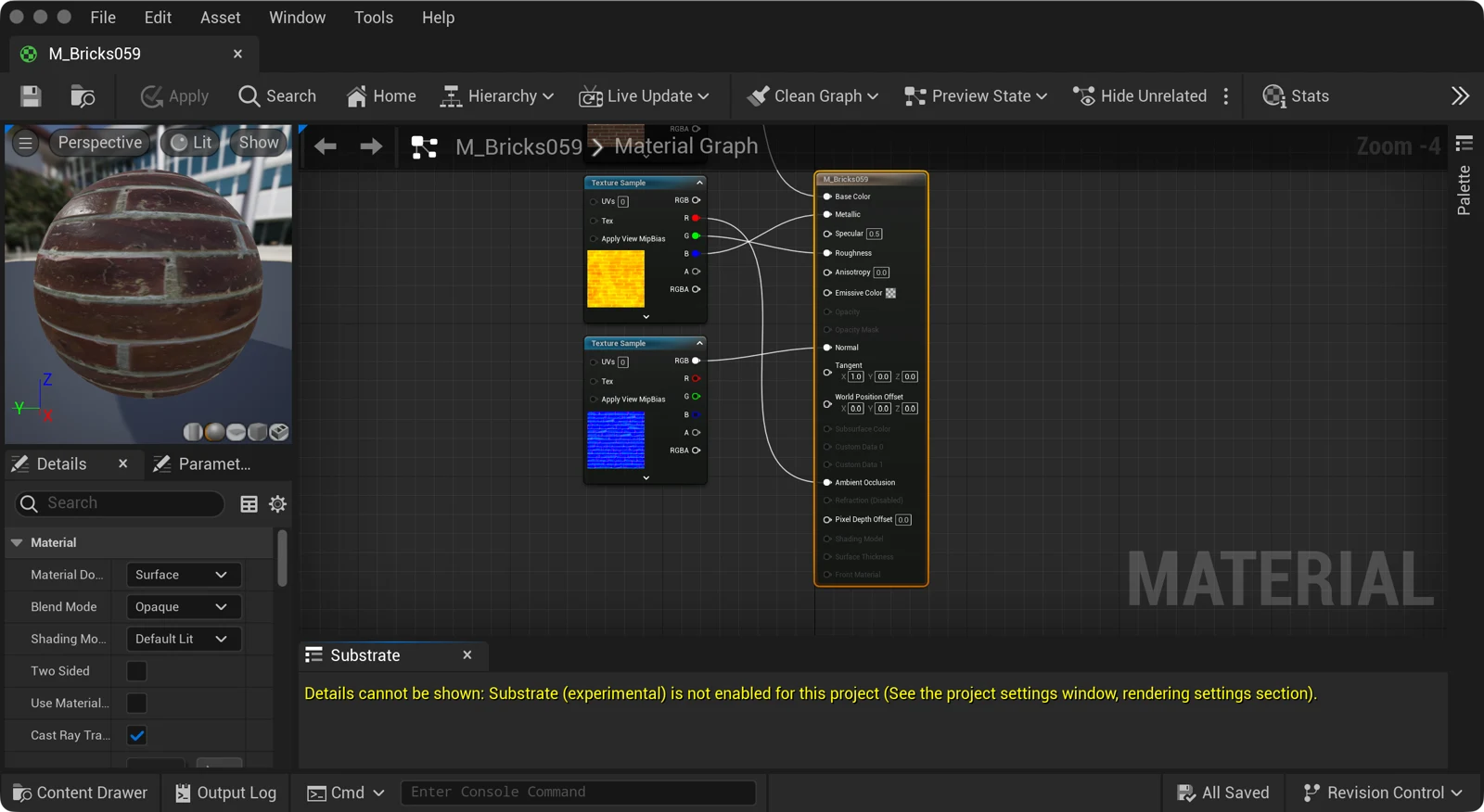
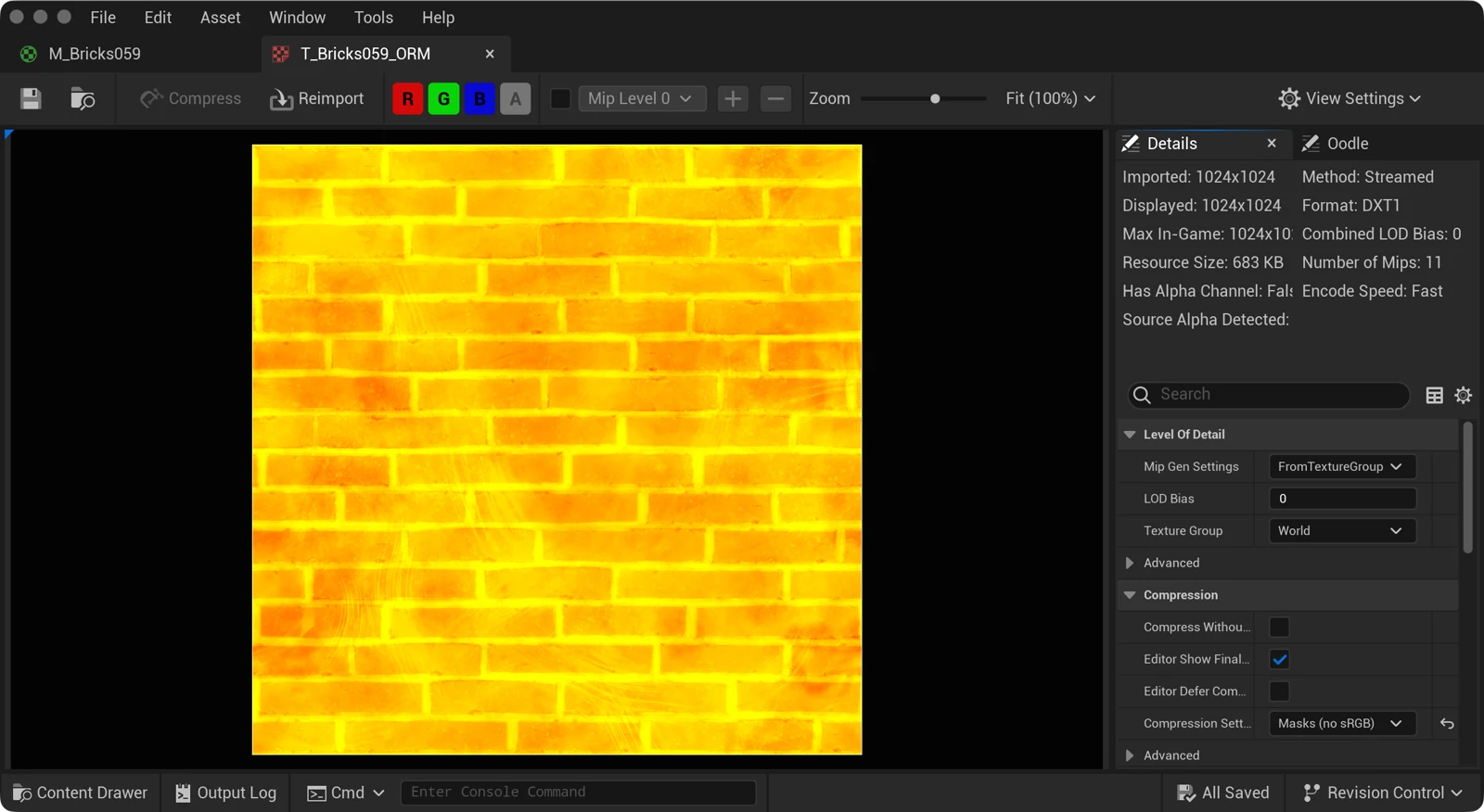
Roughness / AO / MetallicsRGB OFF (Linear) → Pack into ORM [R:AO, G:Roughness, B:Metallic]
DisplacementsRGB OFF (Linear) → Nanite Displacement / World Position Offset
Setup Steps
- Import BaseColor with sRGB enabled; disable sRGB on Roughness, AO, Metallic, and Displacement.
- Use ambientCG NormalDX with Compression Settings set to Normalmap (DirectX Y-).
- Pack AO (R), Roughness (G), and Metallic (B) into a single linear ORM texture.
- Enable HDRIBackdrop to load 32-bit EXR sky domes for Lumen reflections.
Reproduce the sample
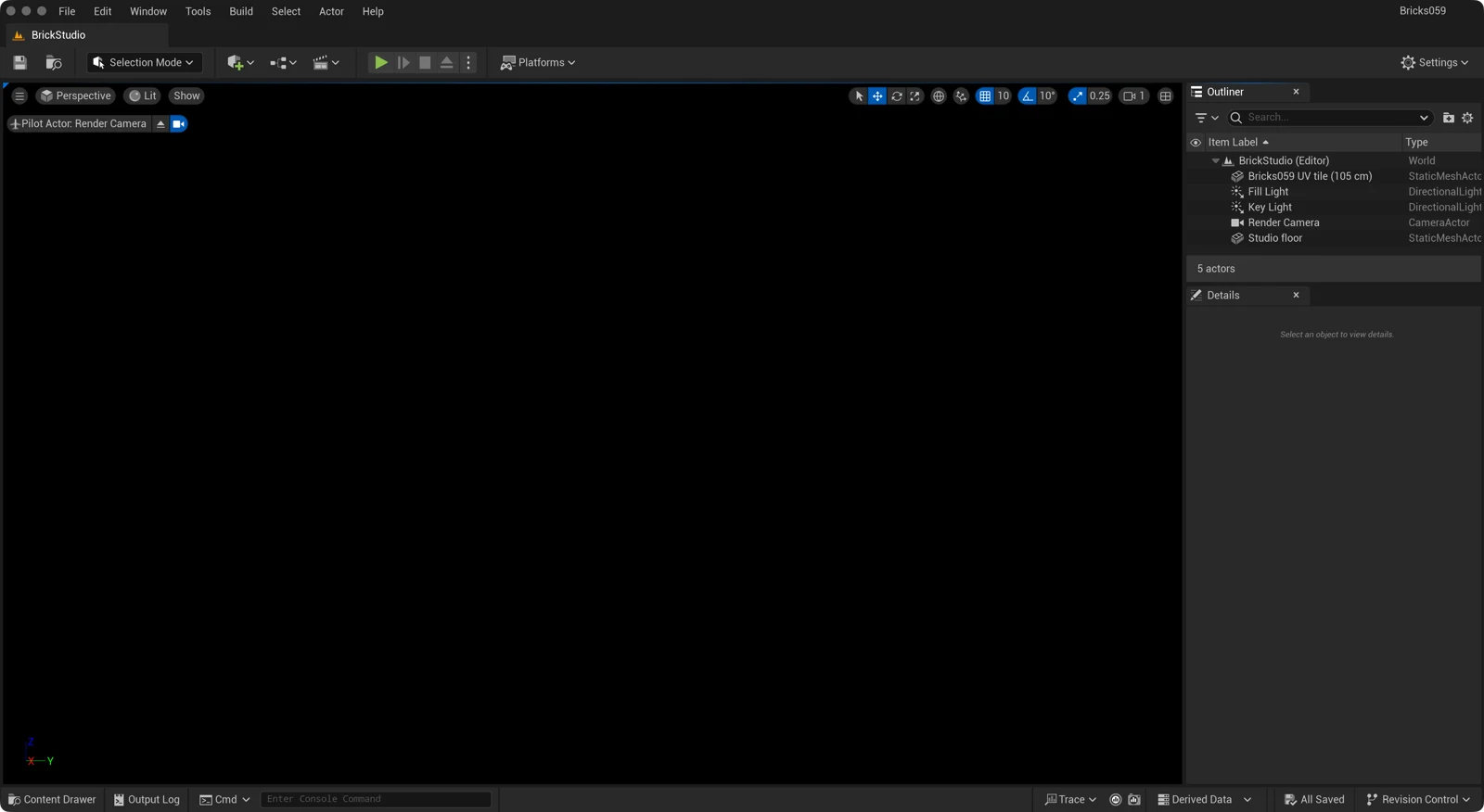
Extract the ZIP and open Bricks059.uproject in Unreal Engine 5.4.4. In the Content Browser, open Bricks059 → BrickStudio and pilot Render Camera. Rotate Key Light to reveal the surface detail. The 105 cm tile uses Color, NormalDX and a linear ORM texture with one UV repeat.
Common errors
Bricks look embossed in the wrong direction → verify the source is NormalDX and leave Flip Green Channel off. Roughness changes with texture import settings → disable sRGB on Roughness. A flat silhouette is expected with a normal map alone.
Official Documentation Sources