Blender 4.2 LTS (Cycles / EEVEE Next)
Principled BSDF (v2)
Docs verified 2026-11-26
Locally rendered in Blender 4.2.23
Blender PBR & HDRI Guide
Version-pinned Principled BSDF setup for Blender 4.2 LTS.

Render video
Blender editor recording
Channel Mapping Reference
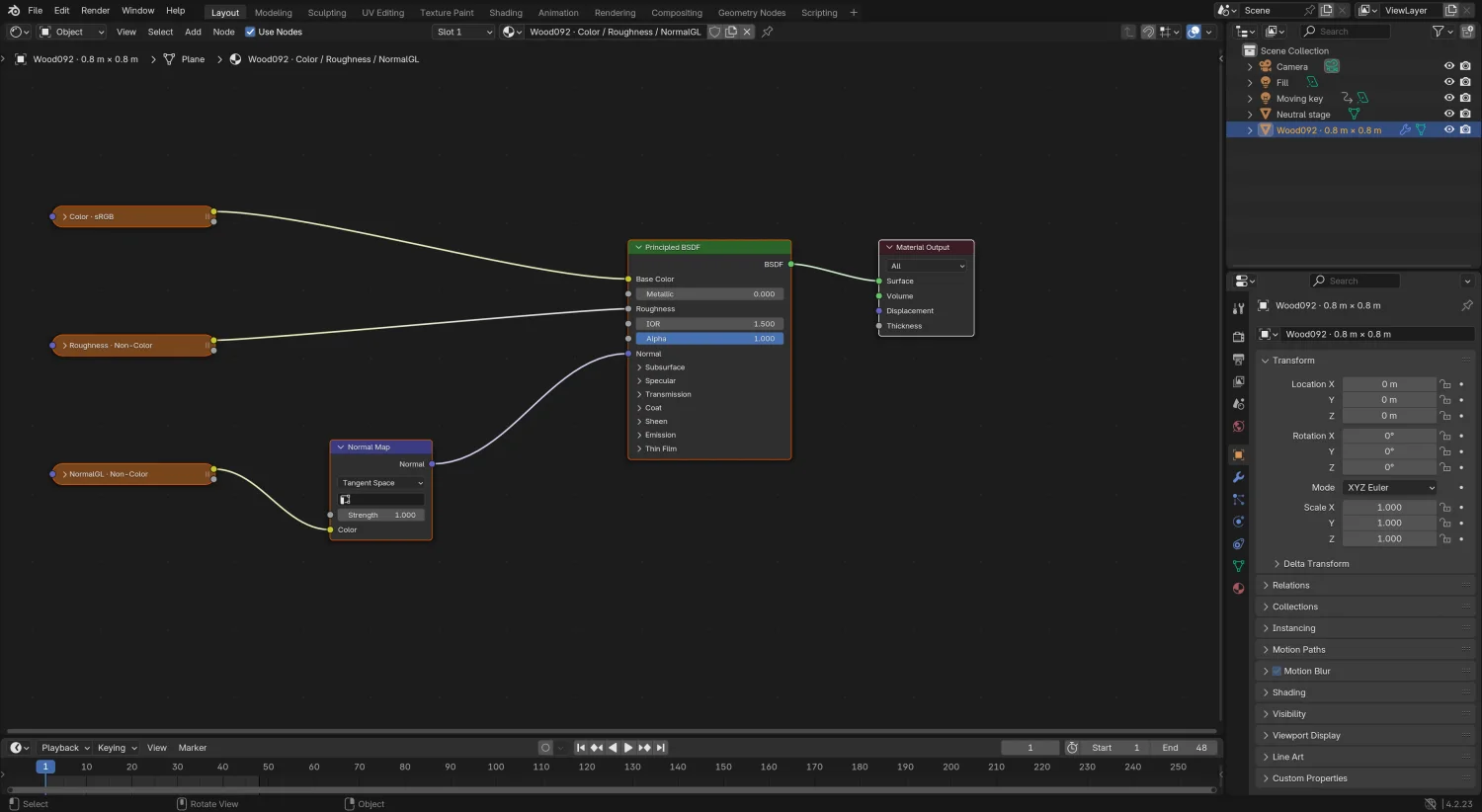
Color (Albedo)sRGB → Principled BSDF → Base Color
RoughnessNon-Color → Principled BSDF → Roughness
NormalGLNon-Color → Normal Map Node (Tangent Space) → Normal
DisplacementNon-Color → Displacement → Material Output Displacement
Setup Steps
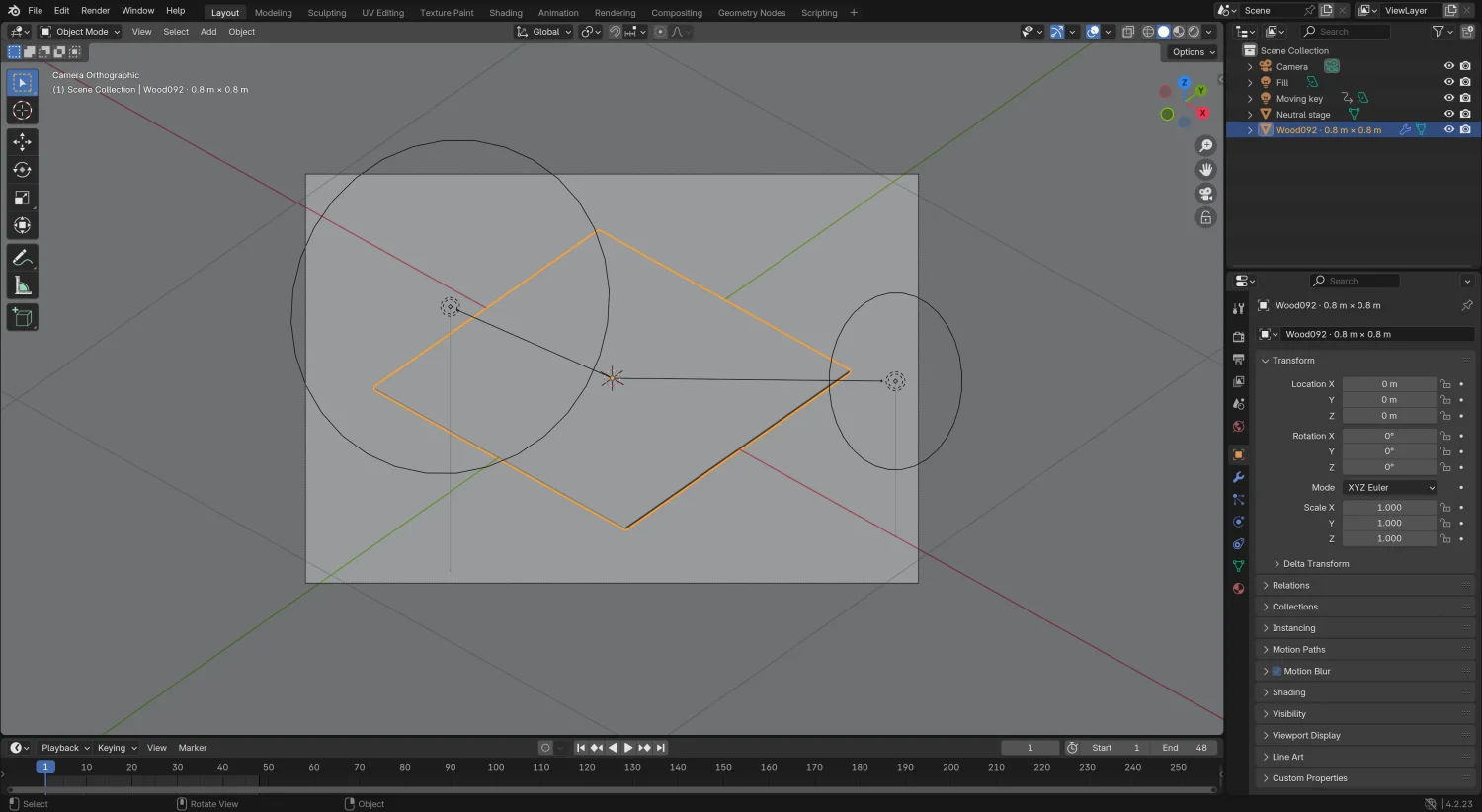
- Open Shading and select the sample board. To build from scratch, add three Image Texture nodes and a Normal Map node to a Principled BSDF material.
- Connect Wood092 Color to Base Color, Roughness to Roughness and NormalGL to Normal Map Color. Connect Normal Map Normal to Principled BSDF Normal.
- Set Color to sRGB and Roughness, NormalGL, and Displacement strictly to Non-Color.
- Use NormalGL (OpenGL Y+) for Blender; invert green only if importing NormalDX.
- For HDRIs, use an Environment Texture node in World Shader with Linear Rec.709.
Reproduce the sample
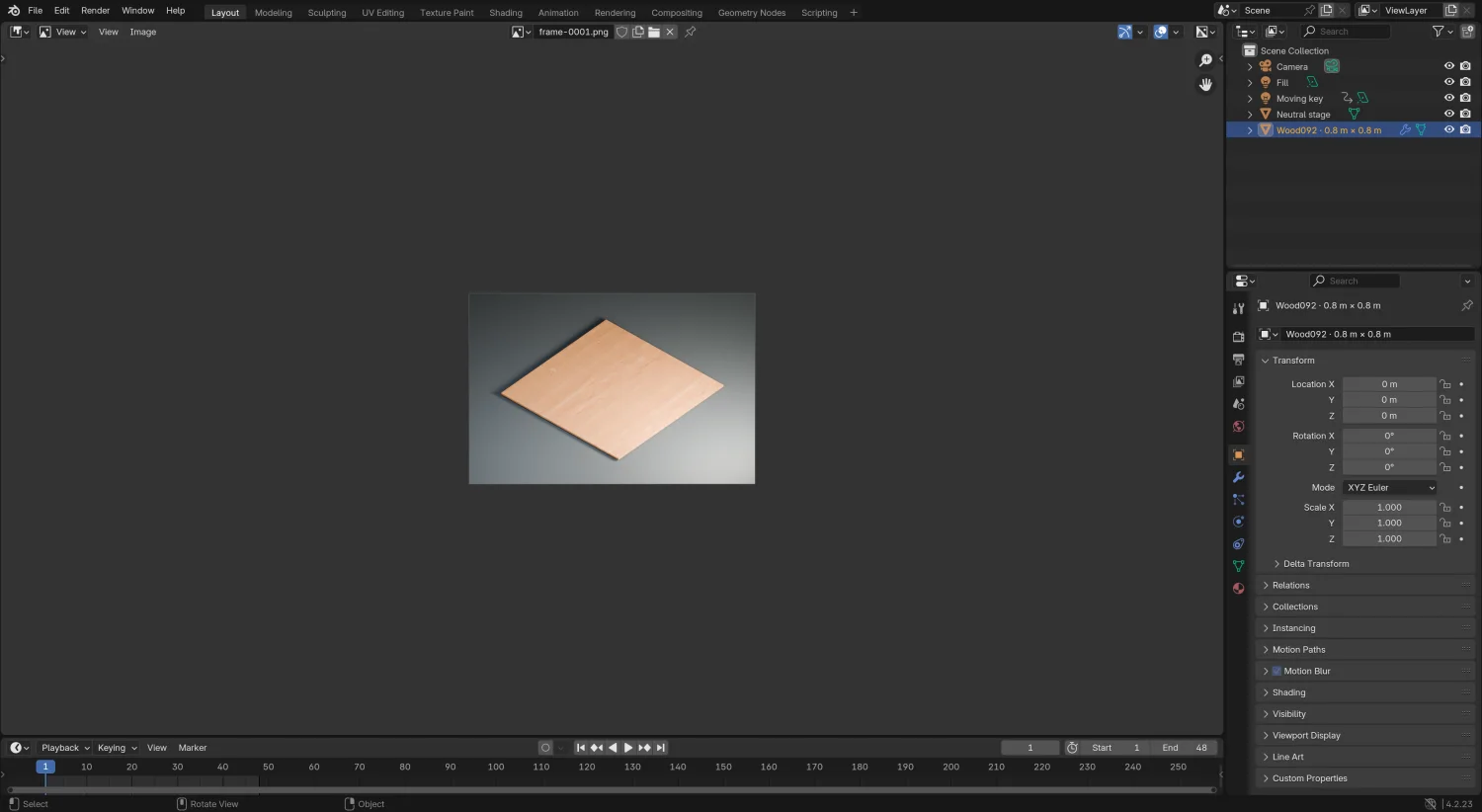
Open wood092.blend in Blender 4.2.23. All three ambientCG Wood092 textures are packed. Select the board, open Shading, and compare the inputs with the screenshot. Render frame 1 to reproduce the still, or render frames 1–48 at 12 fps to reproduce the light sweep. The board stays still so the moving highlight reveals the roughness and normal detail.
Common errors
Pink board → check that the three packed images are available. Carved grooves look raised → check that NormalGL goes through a Normal Map node and is Non-Color. Reflection looks uniformly glossy → check that Roughness is connected to Roughness and is Non-Color. The sample does not use displacement.
Official Documentation Sources